
Releasing markdown-svg Posted on December 09, 2025 by Dave Fowler
For a recent project I needed to render markdown content inside SVGs. I was surprised to find that nothing already existed—every search led to "convert markdown to HTML" or "embed HTML in SVG using foreignObject." Neither solved my actual problem.
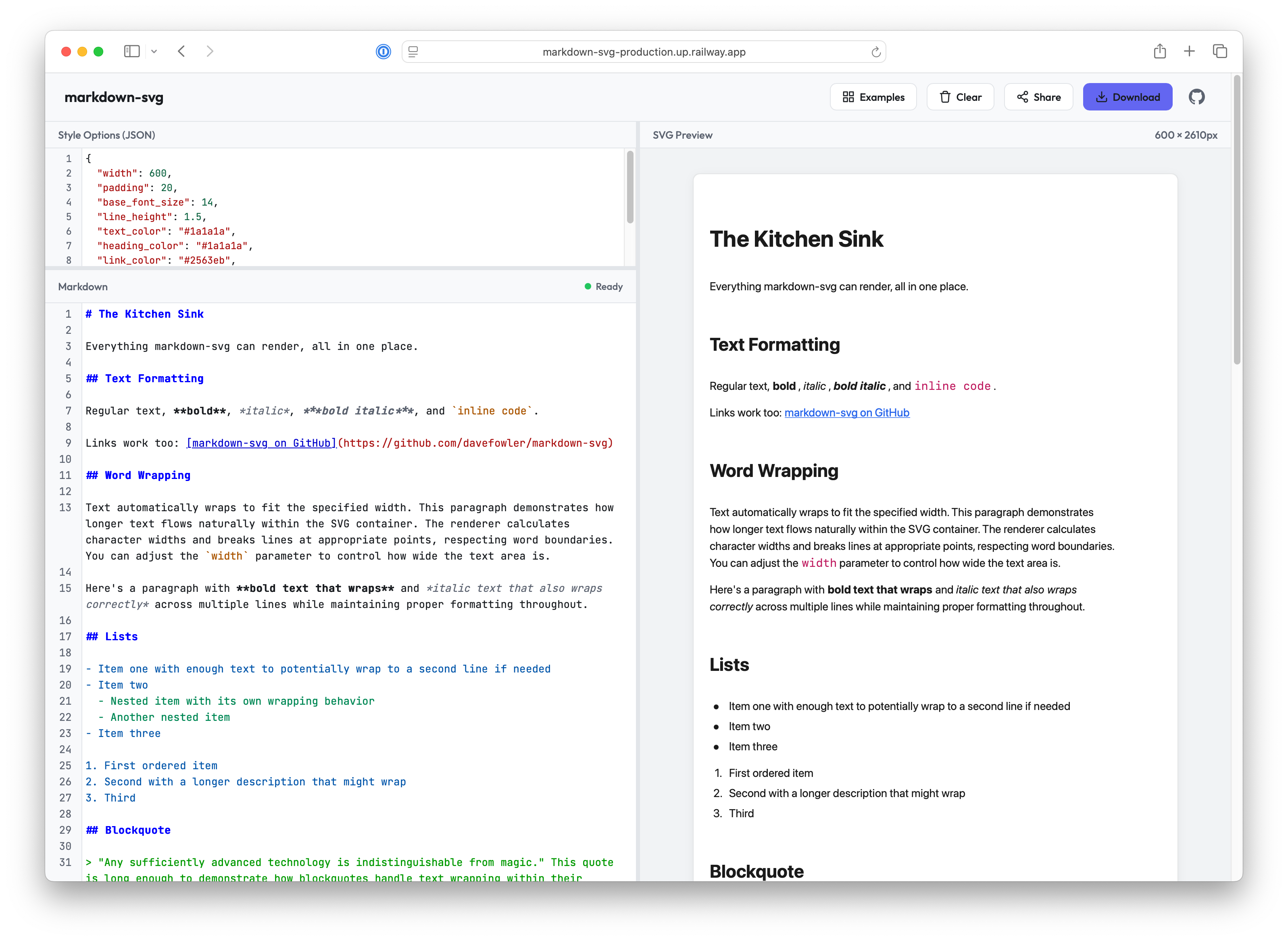
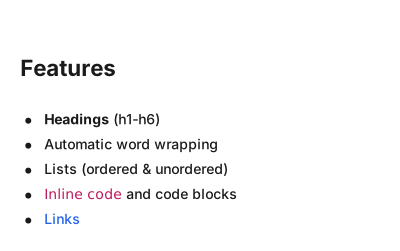
So I built markdown-svg, a Python library that converts Markdown directly to native SVG elements. It's now available on PyPI and I've also created a live playground where you can experiment with it.
Challenges
Markdown was designed for HTML, which is a very text-friendly, flowing markup language. SVG is great for graphics, diagrams and data visualization but lacks many text formatting things that HTML/CSS handle automatically. There were a number of interesting challenges in making this, and here I've written down the most interesting ones and how they were solved.
1. Text Wrapping and Measurement
This was the core challenge. SVG's <text> element doesn't wrap—text just overflows the container and gets clipped or runs off the edge.
Solution: I measure each word's width, track the current line position, and break to a new line when the next word would overflow.
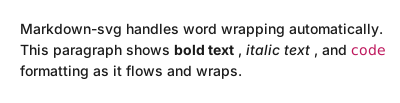
The tricky part is accurate text measurement. A simple "characters × average width" formula doesn't work for proportional fonts—the letter "i" is much narrower than "m" or "W". And when you have mixed formatting like "Use the render() function to generate output", you're dealing with three different font styles, each with different character widths.
For accurate measurement, the library uses fonttools, a Python library for manipulating font files. Fonttools can read the actual glyph metrics from TTF/OTF font files. For a string like "Hello World", we look up each character in the font's hmtx (horizontal metrics) table to get its advance width, sum them up, and scale by font size. This gives pixel-accurate measurements that match what the browser will render.
from mdsvg import FontMeasurer

# Use system font (auto-detected)
measurer = FontMeasurer.system_default()
width = measurer.measure("Hello World", font_size=14)  # Returns actual pixel width
For custom fonts, you can point to any TTF/OTF file. I also added a convenience function to download fonts directly from Google Fonts:
from mdsvg import download_google_font, FontMeasurer

# Downloads and caches Inter font from Google Fonts
font_path = download_google_font("Inter")
measurer = FontMeasurer(font_path)

# Or with a specific weight
bold_path = download_google_font("Inter", weight=700)
For monospace fonts (used in code blocks), measurement is simpler—every character has the same width by definition, so we just multiply character count by the fixed character width.
2. No Native Text Formatting
HTML gives you <strong>, <em>, <h1> through <h6>. SVG gives you... <text> with inline style attributes.
Solution: I map markdown formatting to SVG styling using <tspan> elements for inline styles:
<text x="20" y="45">
  This is <tspan font-weight="bold">bold</tspan>
  and <tspan font-style="italic">italic</tspan> text.
</text>
For headings, I calculate scaled font sizes and track vertical positioning so each block flows naturally after the previous one.
3. Code Block Overflow
Code blocks often contain lines longer than the container width. In HTML, you'd use overflow-x: scroll. SVG has no equivalent.
Solution: I implemented multiple overflow strategies, configurable via the code_block_overflow style option:
| Option | Behavior |
|---|---|
wrap |
Wrap long lines (default) |
show |
Let content overflow visible |
hide |
Clip using clipPath |
ellipsis |
Truncate with ... |
foreignObject |
Embed scrollable HTML |
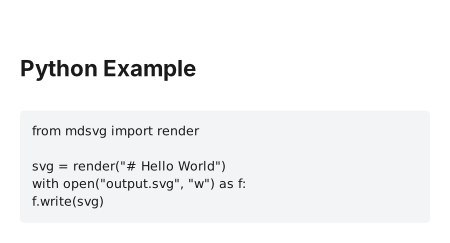
The foreignObject option is interesting—it embeds actual HTML inside the SVG, which works in browsers but not in all SVG renderers (like image editors or some libraries).
4. Image Sizing
When you include an image in markdown (), how big should it be? HTML can query the image and scale it. SVG needs explicit dimensions upfront.
Solution: I extended the standard markdown image syntax to support explicit dimensions:
{width=400 height=300}
{width=200}This follows a similar pattern to other markdown extensions (like Pandoc). When you specify dimensions, the library uses them directly—no network requests needed.
For images without explicit dimensions, the library will fetch the image to detect its size. This works for both local files and remote URLs:
from mdsvg import SVGRenderer

renderer = SVGRenderer(
    fetch_image_sizes=True,      # Enable auto-detection
    image_base_path="./assets",  # For resolving relative paths
)
The sizing priority is:
- Explicit dimensions from markdown syntax
{width=X height=Y} - Fetched dimensions from the actual image file (if enabled)
- Style defaults (
image_width,image_heightin Style) - Fallback aspect ratio (16:9 by default)
For static site generators or batch processing where you don't want network requests, you can either specify dimensions inline or set image_enforce_aspect_ratio=True to skip fetching entirely and use the fallback ratio.
Try It Yourself
Install from PyPI:
pip install markdown-svgQuick start:
from mdsvg import render

svg = render("""
# Hello World

Your **markdown** goes here.
""")

with open("output.svg", "w") as f:
    f.write(svg)
What's Next
The main feature I haven't implemented yet is syntax highlighting for code blocks. Currently, code is rendered in a single color. I'd love to add Pygments integration with VS Code theme support. There's a design doc if anyone wants to contribute!
Other potential enhancements:
- Task lists (
- [ ]checkboxes) - Footnotes
- Math rendering (KaTeX/MathJax style)
- Mermaid diagram support
Conclusion
markdown-svg fills a gap I was surprised existed. If you need to embed formatted text in SVG—for dashboards, diagrams, PDF generation, or data visualization—give it a try.
The code is MIT licensed and contributions are welcome: github.com/davefowler/markdown-svg
Found this useful? Star the repo on GitHub or share your use cases in the issues!